

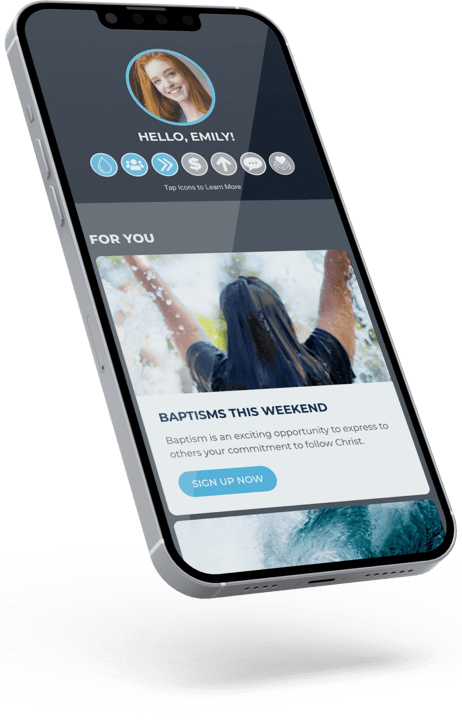
Our App.
Your Unique
Experience.
Download the Bethlehem Church App Today!
 |  |
FAQS
I already have the Bethlehem app. What do I do?
If you already had the old Bethlehem Church app, all you need to do is update it to access your new content. If your app did not automatically update, simply go to the App Store or Google Play, search for Bethlehem Church, and click “update” to install the latest version of the app.
What account information do I use to log in?
Use the same email address or phone number you’ve previously shared with Bethlehem Church. This may be the contact information you provided on a Connection Card, when checking in your child, or when registering for an event. If you’re unsure, try the email address or phone number you use most often with us.
If you haven’t yet shared your contact information with us, click here to create a profile and get started.
My dashboard isn't loading. What's going on?
If you recently created a new profile, don’t worry – this is normal! It can take up to 4 hours for your personalized dashboard to fully set up and become available. Once it’s ready, you’ll see all your information and next step recommendations when you log in.
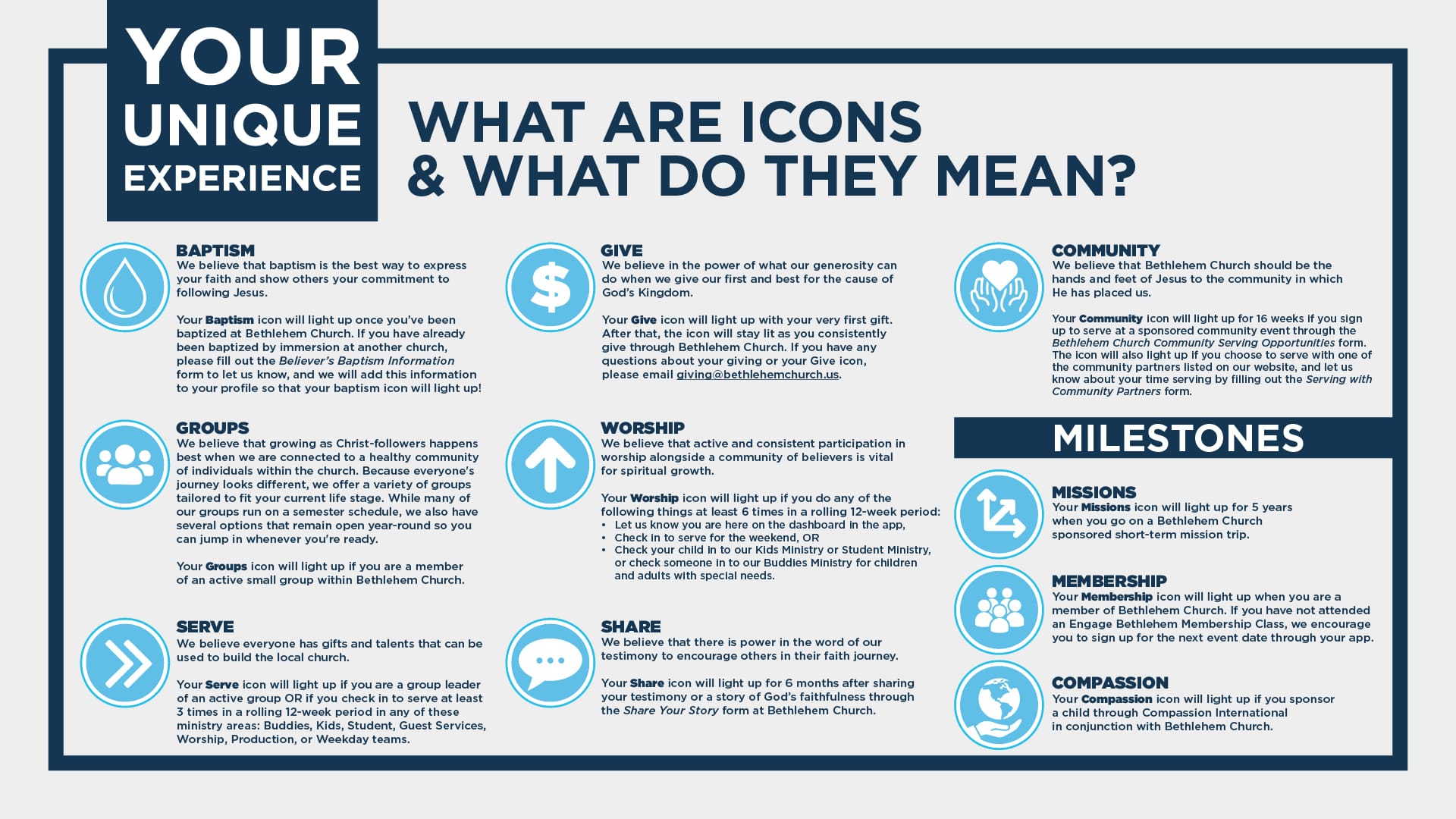
Why isn't my icon lit?
Icons light up as you participate in activities designed to help you grow deeper in your walk with Christ. If your icon is not currently showing as lit:
- Tap the icon to view the specific requirements and take your next step.
- Fill out any missing details under My Information to ensure your activity is tracking correctly.
- Still need help? If you’ve completed these steps and it’s still not lighting up, email us at info@bethlehemchurch.us so we can fix it for you.
I have given financially to the church, but my give icon is not showing as lit.
We are here to help! Email giving@bethlehemchurch.us for assistance.